
 Montres Connectées
 Claviers
 Microphones
 Friteuses à air
 Caméras de surveillance
 Cafetières
 Coffres-forts

Outdoor projectors bring backyard movie nights under the stars to life, but most buyers quickly discover their new purchase only delivers acceptable quality in complete darkness. Too many fall for clever marketing tactics, expecting to watch football games at sunset, only to end up squinting at washed-out images that disappear when nearby lights turn on.
After years of testing projectors outdoors, I’ve seen how far advertising drifts from reality. This guide breaks down those claims and helps you understand what really matters for real-world outdoor viewing.
Brightness Requirements for Outdoor Use
Brightness defines everything about outdoor projection. Sunlight overwhelms any consumer projector, moonlight washes out budget models, and streetlights three houses down affect your image quality.
Projector brightness uses ANSI lumens as the standard measurement, testing light output across nine points on a white screen. Many manufacturers skip this standard and advertise inflated numbers using “LED lumens,” “lux,” or just “lumens” without clarification.
I’ve encountered buyers who purchased projectors advertising 15,000 lumens for $80, expecting stadium-level brightness. Those units typically measure 150-250 ANSI lumens when properly tested, an inflation factor of 50x to 100x.
Here’s a rough overview of how real brightness numbers look like:
Look for specifications stating “ANSI lumens” or “ISO lumens.” If the listing only says “lumens” or uses modifiers like “LED” or “light source,” assume the number means nothing.
Real-World Brightness by Lighting Condition
Outdoor projection timing determines which brightness range works. Brightness requirements by condition:
However, if you have streetlights nearby or porch lights on, you’ll need more brightness than the complete darkness numbers suggest. For example, if 800 ANSI lumens works in pure darkness, you’ll need around 1,000-1,200 ANSI lumens with streetlights present.
Also note that a full moon creates surprising ambient light; I’ve seen 800 ANSI lumen projectors struggle during full moons in open yards.
Another common complaint involves people purchasing projectors for “outdoor movie nights” and discovering they must wait until 9:30 PM in summer for acceptable quality.
Screen Size and Brightness
Doubling screen diagonal requires roughly 4x the brightness to maintain quality. Practical brightness by screen size for evening viewing:
Budget projectors claim they “support 200-inch screens” while producing only 300 ANSI lumens. Yes, you’ll see an image on a 200-inch screen in perfect darkness, but it will look dim and washed out. The claim is technically accurate but misleading in practice.
Recommendation: Target 1,200-1,800 ANSI lumens minimum for versatile outdoor viewing that works at dusk through complete darkness on 100-120 inch screens. Budget models under 500 ANSI lumens require waiting until full darkness and limiting screen size to 80-100 inches.
Does Resolution and Contrast Ratio Matter for Outdoor Projection?
Brightness dominates outdoor projection quality far more than resolution or contrast ratio, and chasing specs that work indoors often leads buyers to waste money on features that ambient light negates.
Resolution
Native 1080p handles screens up to 150 inches perfectly well for outdoor viewing, and the brightness loss from jumping to 4K projectors creates worse viewing experiences outdoors than the resolution gain provides.
Most “4K” projectors under $1,500 use pixel-shifting anyway, producing images sharper than 1080p but not true 4K. Save your budget for brightness rather than resolution unless you’re projecting on screens exceeding 150 inches with budgets supporting 2,500+ ANSI lumens.
For detailed 4K projector information, read our Comprehensive Guide on 4K Projectors.
Contrast Ratio
Advertised contrast ratios like 20,000:1 or 50,000:1 become meaningless outdoors where streetlights, moonlight, and twilight flood screens and turn blacks into gray regardless of projector specs.
A projector with 1,800 ANSI lumens and modest 10,000:1 contrast outperforms one with 1,000 ANSI lumens and impressive 40,000:1 contrast outdoors because higher brightness overcomes ambient light while theoretical contrast improvements disappear the moment any ambient light exists. Invest in ALR screens rather than chasing contrast ratio numbers.
Color Accuracy
Projectors covering 90-95% of Rec.709 color space maintain color saturation better against ambient light than those covering 70-80%, though you’ll never achieve indoor color accuracy outdoors at dusk.
Higher brightness maintains color vibrancy more effectively than wide color gamut specifications, so prioritize lumens first and treat color gamut coverage as a secondary consideration when comparing projectors in the same brightness range.
Recommendation: Focus your budget on brightness first, accept native 1080p as sufficient for most outdoor setups, ignore contrast ratio specifications entirely, and treat color accuracy as a tiebreaker between similarly bright projectors rather than a primary decision factor.
When Can You Properly Watch?
The timing question frustrates more buyers than any other aspect. People envision watching at 7 PM and instead sit in darkness waiting for true nightfall.
Seasonal Viewing Windows
Approximate viewing start times for 1,500 ANSI lumen projectors on 120-inch screens:
Add 15-30 minutes in well-lit neighborhoods. Meanwhile, Northern buyers deal with 10 PM sunsets in June, making outdoor movies with young children impractical during peak summer.
Recommendation: Plan outdoor viewing for spring and fall when darkness arrives at reasonable hours. Summer requires later start times or very bright projectors (2,500+ ANSI lumens). Winter offers early darkness but check temperature ratings if you live in areas with freezing conditions.
Screen Solutions
Your projection surface affects image quality as much as the projector itself. Walls work sometimes but dedicated screens work better. Here’s what to expect:
Walls
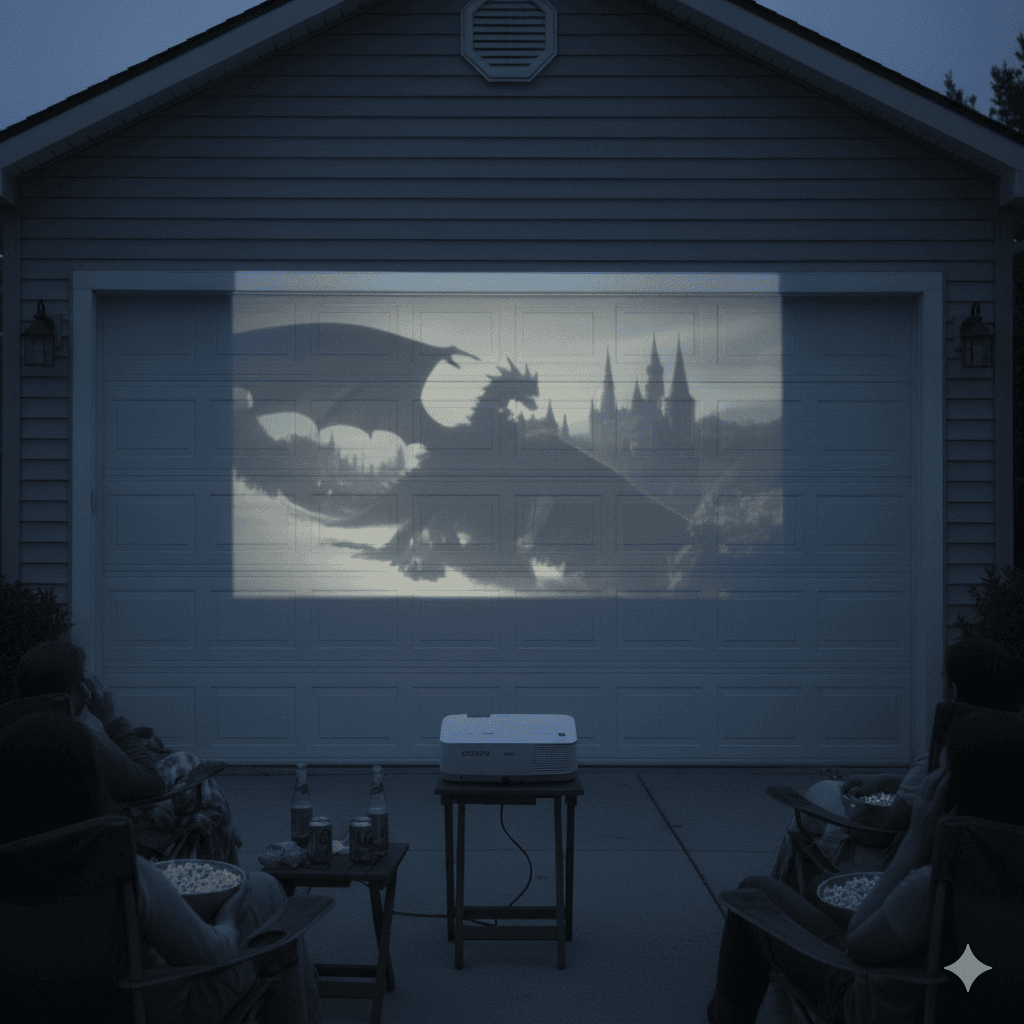
Smooth, matte white walls work for casual viewing in complete darkness on screens under 100 inches, though they show texture at larger sizes and fail with any ambient light. Off-white walls absorb 20-30% of light compared to pure white, and colored walls add color casts you can’t remove. Walls provide free solutions for occasional use but lack the quality needed for serious outdoor viewing.
Portable Screens
Pull-up screens that unfold from base units cost $100-400 for 80-120 inches. You can store them indoors between uses and setup takes 5-15 minutes. Look for models with black backing if projecting at dusk since front-only screens allow light to pass through and wash out the image. Inflatable screens cost $200-800 for 100-180 inches and use continuous blowers to maintain shape, making them ideal for neighborhood events despite blower noise.
Fixed Frame Screens
Permanent installations provide the best quality through perfectly flat, tensioned surfaces that require mounting to structures and cost $300-2,000+ depending on size. These suit buyers using projectors regularly (2+ times weekly) with covered patios or protected mounting locations.
ALR Screens
Ambient Light Rejecting screens use special coatings that reject overhead light while reflecting projector light toward viewers, allowing viewing 20-30 minutes earlier than standard screens. They cost $400-2,000+ and work best with fixed installations, though screens designed for standard throw won’t work with ultra short throw projectors since the technology depends on specific light angles.
For detailed information on screen types, materials, and ALR technology, read our Comprehensive Guide on Projector Screens.
Recommendation: Start with a portable screen in the $150-300 range to test outdoor projection. Upgrade to a fixed frame with ALR material if you use the setup regularly and want to watch during dusk rather than full darkness. Walls work fine for complete darkness and screens under 100 inches.
Audio Considerations
Built-in projector speakers get overwhelmed outdoors where sound dissipates without walls to reflect it back, and what sounds acceptable in bedrooms disappears 15 feet away outside.
Built-In Speakers
Most portable projectors include 3-10 watt speakers that work adequately for viewing groups of 4-6 people maximum with projectors positioned within 8-10 feet of viewers. Outdoors, sound travels in one direction and loses volume with distance, so projectors sitting 10-20 feet away for proper throw distance put their speakers too far from audiences. You’ll need external audio for groups of 8+, projectors mounted 12+ feet away, or any content where dialogue clarity matters.
External Audio Options
Most modern projectors include Bluetooth output for connecting wireless speakers positioned near viewers, though audio latency can create lip-sync issues on some connections and Bluetooth limits you to stereo sound. For groups of 10-15 people, target speakers with 20-30 watts minimum, while speakers with 40+ watts handle larger gatherings of 20+ people.
Wired connections through 3.5mm headphone jacks avoid Bluetooth latency and provide better quality for portable speakers or soundbars, though cable length limits you to 25 feet before signal degradation. HDMI ARC/eARC sends audio through HDMI cables to soundbars or receivers for compressed 5.1 (ARC) or lossless Atmos (eARC).
Outdoor-rated soundbars cost $150-600 and provide far better sound than projector speakers when positioned below or near screens for proper directionality.
Recommendation: Plan for external audio unless you’re watching in small groups of 4-6 people maximum with the projector close by. Budget Bluetooth speakers ($50-150) handle most family movie nights but regular viewing justifies better outdoor-rated soundbars ($200-400) positioned near the screen.
Power and Portability
Outdoor projectors split into battery-powered portable models and AC-powered stationary models, with your use case determining which makes sense.
Battery-Powered Portables
These include rechargeable batteries lasting 1.5-4 hours depending on settings, though manufacturers advertise maximum battery life in eco mode with reduced brightness. A projector claiming “4 hours battery life” typically delivers 2.5-3 hours in standard mode and only 1.5-2 hours at full brightness needed for outdoor viewing.
Keep in mind that battery degradation, similar to that of phones, means you’ll lose 20-30% capacity after one year of regular use.
Some projectors charge via USB-C Power Delivery, allowing high-capacity power banks (20,000+ mAh) to extend runtime, though this requires USB-C PD delivering 45-100 watts since standard phone chargers won’t power projectors.
It’s also important to note that battery-powered models compromise brightness for portability, delivering 200-700 ANSI lumens compared to 1,500-3,500 ANSI lumens from AC models.
For detailed information on portable projectors, read our Comprehensive Guide on Portable Projectors.
AC-Powered Models
These need wall outlets but enable higher brightness and better performance, ranging from compact models (3-10 pounds, 1,000-3,000 ANSI lumens) you can move easily to larger units (15-25 pounds, 3,500-5,000+ ANSI lumens) designed for permanent installation.
Extension cords solve most outdoor power needs, though cord management becomes annoying and projectors consume 50-250 watts depending on brightness.
Size and Weight Trade-offs
Portability comes at the cost of brightness. But here’s how I’d recommend you choose your projector:
Recommendation: Choose battery-powered portables (under 3 pounds) only if true mobility matters more than brightness. Most backyard movie night buyers do better with 5-8 pound AC-powered projectors that deliver 1,200-2,000 ANSI lumens for reliable outdoor viewing. Save the ultra-portable models for camping trips and travel.
Throw Distance and Placement
Getting the throw distance right determines whether your projector physically works in your space.
What Is Throw Distance?
Throw distance is how far the projector sits from the screen, expressed as a throw ratio. The formula is simple:
Throw Distance = Throw Ratio × Screen Width.
A projector with a 1.5:1 throw ratio needs 10.9 feet to create a 100-inch diagonal image (which measures 87.2 inches wide in 16:9 format). Most projectors list throw ratio as a range like “1.2-1.6:1” if they include zoom capabilities.
Note: When you buy a screen, it’s marketed by diagonal measurement (like “100-inch screen”), but throw distance calculations require the screen’s width. Here’s the conversion:
Example: If you want a 100-inch screen and your projector has a 1.5:1 throw ratio, multiply 87.2 inches × 1.5 = 130.8 inches (10.9 feet) of throw distance needed.
Projector Categories
Outdoor projectors fall into three throw categories:
Standard Throw (1.2-2.0:1) needs 10-17 feet for 100-inch images and represents the most common category, delivering the best quality and brightness for the price if your space accommodates the distance.
Short Throw (0.4-1.0:1) creates 100-inch images from 3.5-8.7 feet, making them ideal for smaller patios though the optics cost more and sometimes show edge degradation. For detailed information, read our Comprehensive Guide on Short Throw Projectors.
Ultra Short Throw (0.25:1 or less) sits inches from screens but works poorly outdoors without specialized ALR screens designed for extreme projection angles.
Recommendation: Measure your outdoor space before buying any projector. Determine screen size, then calculate throw distance using actual throw ratios from projector specifications. Standard throw works for most backyards with 10-20 feet of space. Short throw suits smaller patios with 4-10 feet available. UST requires specialized screens and isn’t ideal for most outdoor applications.
Setup and Adjustment Features
Outdoor projectors get repositioned frequently across different surfaces, distances, and angles, making quick setup essential when guests are waiting in darkness.
Auto Focus
AF eliminates tedious manual adjustment by automatically achieving sharp images in seconds. Time-of-Flight (ToF) sensors work fastest, measuring distance with infrared pulses to deliver focus in 1-3 seconds, while camera-based systems take 5-10 seconds. Manual focus requires trial-and-error adjustment that frustrates casual users and wastes time during spontaneous movie nights.
Auto Keystone Correction
Keystone correction fixes trapezoidal distortion when projectors sit at angles to screens, automatically adjusting the image into a proper rectangle. Basic systems correct vertical tilt, while advanced 6D systems handle vertical, horizontal, and rotational distortion from any placement angle. Manual keystone requires menu navigation and reduces image quality through digital correction.
Advanced Features
These features are found on premium models, e.g., obstacle avoidance (detecting furniture or decorations and reshaping images around them) and screen fit (automatically detecting boundaries and scaling perfectly). These transform 10-minute manual setup sessions into 5-second plug-and-play operation.
Recommendation: For outdoor use where you’re setting up repeatedly on uneven ground or moving between locations, auto focus combined with at least vertical auto keystone correction justifies the price premium by eliminating setup frustration.
What You’ll Actually Spend
Outdoor projector costs divide into clear tiers based on brightness, features, and build quality.
Choosing the Right Outdoor Projector for Your Needs
Your primary use case determines which features matter and which ones waste money. Match your setup to how you’ll actually use it rather than buying capabilities you’ll never need.
Occasional Movie Night Host (5-10 times per summer)
- Target specs: 500-800 ANSI lumens, native 1080p, portable under 5 pounds
- Screen solution: Portable pull-up screen (100-120 inches)
- Audio: Bluetooth speaker
- Total investment: $400-700
Regular Outdoor User (2-3 times weekly)
- Target specs: 1,200-1,800 ANSI lumens, native 1080p with 4K support, low noise
- Screen solution: Fixed frame screen (120-150 inches)
- Audio: Outdoor soundbar
- Total investment: $1,200-2,000
Camping and Travel Enthusiast (various locations)
- Target specs: Battery powered (2.5+ hours runtime), 400-700 ANSI lumens, under 3 pounds, built-in streaming and speakers
- Screen solution: Portable screen (60-80 inches) or available surfaces
- Audio: Built-in speakers
- Total investment: $400-800
Neighborhood Event Organizer (20+ people gatherings)
- Target specs: 2,500-3,500 ANSI lumens, large screen capability (150-200 inches)
- Screen solution: Inflatable or fixed frame screen
- Audio: PA speakers (100+ watts total)
- Total investment: $2,000-4,000
Dedicated Outdoor Theater Builder (3+ times weekly year-round)
- Target specs: 2,000-3,500 ANSI lumens, native 4K, laser source
- Screen solution: Fixed ALR screen (120-150 inches)
- Audio: Installed outdoor audio system
- Total investment: $3,000-6,000+ including installation
Buy for your actual viewing habits rather than aspirational ones, as occasional users waste money on permanent installations while frequent users justify premium components through regular use.