



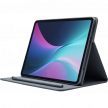











Choosing between an Android tablet and an iPad isn’t really about specs—it’s about how you plan to use it day to day.
Some people want something simple that just works. Others want flexibility, lower cost, or laptop-like features. And if you already use a smartphone, your ecosystem can matter more than anything else.
This guide breaks down Android vs iPad across the areas that actually affect your decision (performance, apps, multitasking, price, and long-term value) so you can confidently pick the right one.
Quick Answer: Should You Buy an Android Tablet or an iPad?
Choose an iPad if you want consistency, premium apps, strong long-term support, and close integration with Apple devices. Choose Android if you want more freedom, more hardware variety, better price flexibility, or features that Apple does not offer in the same way.
What’s The Difference in Hardware and Design?
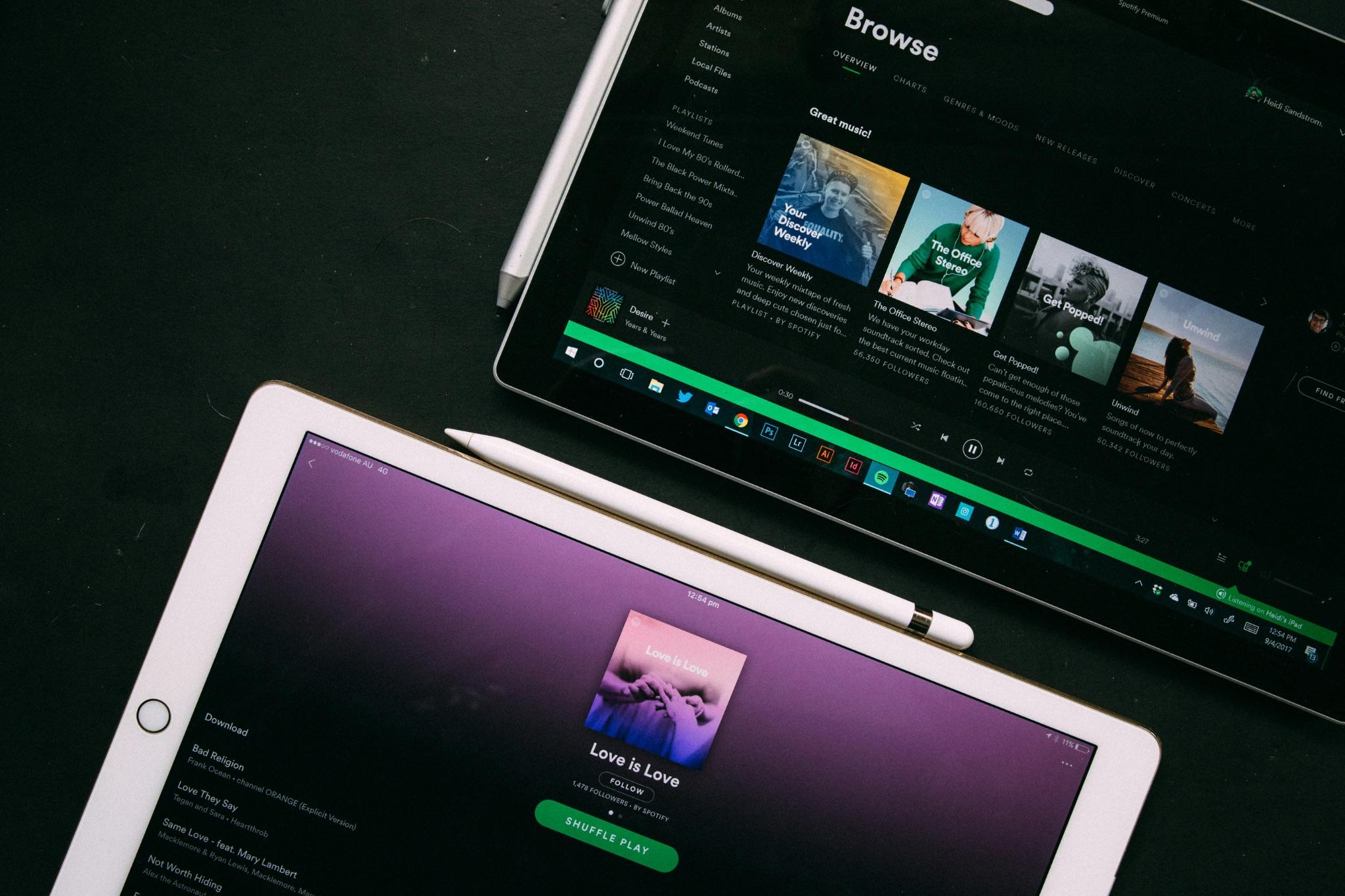
Apple keeps its lineup tight and consistent. You know what you’re getting:
- Premium materials
- Strong performance across models
- Clean, refined design
Even entry-level iPads feel well-built, and high-end models push into laptop territory.
At the same time, Android tablets vary widely, and you might need more research when shopping. You can find:
- Budget to premium options
- Different sizes, shapes, and features
- Some niche designs (rugged, ultra-large, etc.)
- iPad = consistent quality
- Android = more choice (but less predictable)
Which Device Has a Better User Experience?
iPadOS emphasizes consistency, simplicity, and ease of use. The interface is familiar across models, which makes the platform approachable and dependable. The downside is limited customization and lack of some of the options that are available on Android systems.
Android offers much more freedom. Depending on the brand, you can change launchers, widgets, defaults, and layout behavior much more extensively, which makes the experience feel more personal.
Which Device Has Better Apps?
This is one of the few areas where the difference is still noticeable, and for many people, it’s decisive.
On iPad (iPadOS), apps are generally built with the larger screen in mind. You’ll find a deep lineup of polished, tablet-first experiences, especially for creative and professional work. Tools for drawing, video editing, and note-taking tend to feel more refined, with better interfaces and more consistent updates. Examples of iPadOS apps include Procreate (one of the best tools for drawing/art), LumaFusion (video editing), and GoodNotes (note-taking).
On Android tablets, there’s no shortage of apps, and the platform offers more flexibility — like side-loading and alternative app stores. But optimization is hit-or-miss. Some apps feel great, while others are clearly stretched phone versions that don’t fully take advantage of the bigger display.
In everyday use, this translates to smoother performance, better layouts, and fewer quirks on the iPad—particularly in productivity and creative workflows.
Which Device is Better for Productivity and Multitasking?
Apple has made big strides with multitasking. Features like split view, slide-over apps, and stage-style windowing make it easier to juggle multiple tasks. The experience feels smooth and consistent, and many apps are well-optimized for this kind of use. That said, iPadOS can still feel a bit restrictive, especially if you’re used to a more “desktop-like” environment.
Android tends to offer more flexibility. Multitasking often feels more natural, with resizable windows, easier app switching, and fewer limitations on what can run side by side. It’s closer to a traditional PC experience, especially on devices from brands that lean into productivity features.
Which Device Offers Better Stylus and Keyboard Support?
Apple’s stylus experience is all about precision and polish. The Apple Pencil is highly responsive, with minimal latency and excellent palm rejection, making it ideal for drawing, handwriting, and detailed work. Keyboard support is equally refined: everything connects seamlessly, and the typing experience is consistent across apps. The main drawback is cost: accessories are typically sold separately and can be expensive.
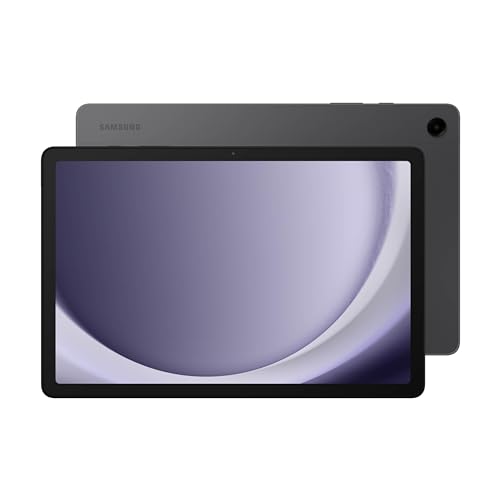
Stylus performance varies by brand, but on premium devices, especially those from Samsung, it’s just as capable. The S Pen often feels more natural on the screen and is frequently included in the box, which adds significant value. Keyboard support is more flexible, with better support for desktop-style setups, though the overall experience can be less consistent depending on the device and apps you use.
Which Device is Better for Media, Gaming, and Entertainment?
Apple focuses on performance and consistency. Games typically run smoother and are better optimized, with fewer slowdowns or compatibility issues. The display quality, color accuracy, and speaker tuning are also consistently high, which makes watching movies or shows feel premium. Overall, the experience is polished and reliable—everything just works the way you expect.
Android stands out for choice and flexibility. Many devices offer larger screens, higher refresh rates, and strong speakers, often at more competitive prices. It’s also easier to manage files, use a wider range of media formats, and explore options like emulators or cloud gaming. The trade-off is that performance and optimization can vary depending on the device.
Which Device is Better in File Management and Connectivity?
The iPad has improved in file handling and now works much better with external storage and cloud services. Still, Apple keeps the experience relatively controlled and locked in the Apple ecosystem.
Android tablets usually offer a more computer-like approach, with easier local file access, expandable storage on some models, and broader flexibility for accessories and data movement.
Which Device Offers Better Integration?
If you already use an iPhone, Mac, or Apple Watch, the iPad fits in seamlessly. Cross-device features such as syncing, shared messaging, and continuity are major strengths. Android tablets also work well with Android phones, Windows PCs, and Google services, though the experience can vary more by brand.
Which Tablet Offers Better Security and Support?
Apple stands out for long software support, consistent updates, and a stricter approach to privacy and app behavior. That helps both security and long-term value.
Android support has improved significantly, especially on premium models from major brands. However, update quality and longevity still vary much more across the market.
Which Device Offers Better Value for Money?
This depends on how you define “value”—because upfront price and long-term value aren’t the same thing. Android clearly wins on affordability and range. You can find solid options at almost any price point, from very cheap devices to high-end models. Many also include extras like styluses or offer features (larger displays, higher refresh rates) at lower prices. If you just want a capable tablet for browsing, media, or light work, Android gives you more for less upfront.
iPads are more expensive initially, but they tend to deliver better long-term value. You get years of software updates, strong performance over time, and higher resale value. In practice, an iPad often stays fast and usable longer than many Android tablets, which helps justify the higher price.